
Custom MCP Server Development Services
An AI assistant can only work with what it can reach, and most of your data and tools sit behind internal APIs, databases, and SaaS platforms it cannot see. Our custom MCP server development services build custom MCP servers that expose selected, permissioned capabilities of those systems to AI applications that support the Model Context Protocol. Through MCP integration, you decide what an AI client can read and do, and who approves the actions that matter. We help technical and product teams scope the first server, design its access boundaries, and run it in production.
What Do Custom MCP Server Development Services Include?
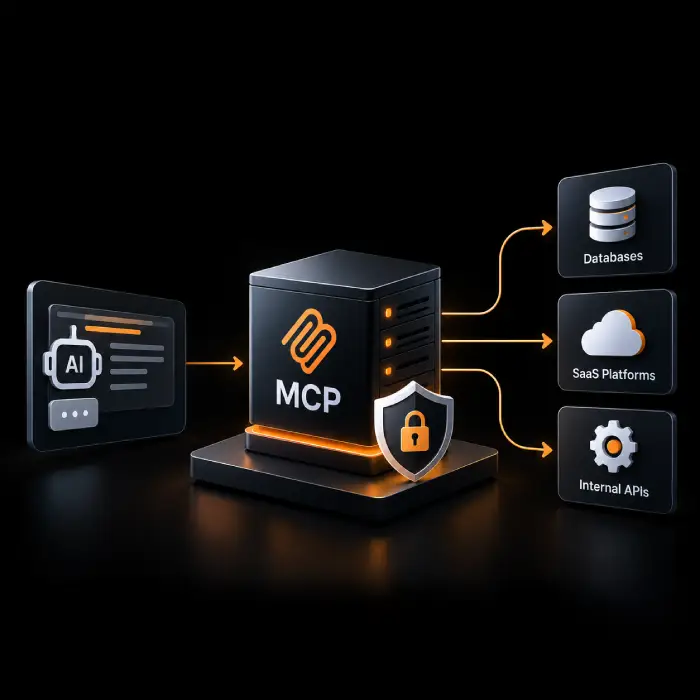
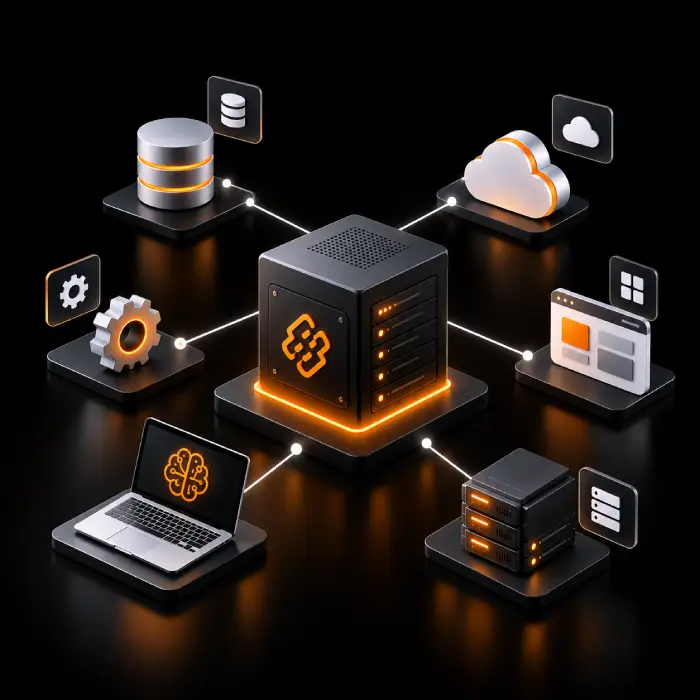
The Model Context Protocol (MCP) is an open protocol that standardizes how AI applications connect to external context and capabilities. The AI application is the host, a connector inside it is the client, and the service it talks to is the server. A custom MCP server is one you build around your own systems, so that clients can use only the tools and data you choose to expose. Our MCP development services usually combine the components below. The exact mix depends on the systems you connect and the AI clients you use.
Our MCP development services usually combine the components below:
- Discovery and requirements analysis to decide which capabilities are worth exposing and to which clients.
- Architecture and development of the server, including the tools, resources, and prompts it offers.
- Model Context Protocol integration with the approved APIs, databases and business systems behind those capabilities.
- Authentication, authorization and permission boundaries, so each caller reaches only what it should.
- Input validation, error handling and safeguards for actions that change data.
- Functional, security and client compatibility testing before release.
- Deployment, configuration, monitoring, and ongoing maintenance as your systems and clients change.
Why Businesses Invest in Custom MCP Integration
Most teams do not lack data or tools. They lack a controlled way to let AI applications use them. A well-designed server gives you one governed entry point for AI tool integration instead of a separate connector for every client. Results depend on your systems, API quality, client support for MCP, and how access is governed, so Model Context Protocol development is scoped against your own workflows, not a promised number.
Less Fragmented Access
Data and actions spread across CRM, ERP, ticketing and internal tools can be reached through one server, so an AI client no longer needs a one-off connection to each.
Less Manual Context Gathering
People stop copying records between screens to give an assistant the background it needs, because approved lookups can be called directly.
One Governed Integration Approach
Capabilities are defined once, with names, inputs and permissions, rather than rebuilt differently for each AI application.
Controlled Tool Access
You choose which tools exist, which are read-only, which change data and which need a person to confirm before they run.
Reuse Across Compatible Clients
A server you build once can serve any client that supports MCP, although the features each client supports vary and we check this during testing. Logs and permissions give security and operations teams a clearer view of what AI clients are asking your systems to do.
Custom MCP Servers Built for Your Business
Explore our custom MCP server development services to connect AI applications with your business tools, data, and workflows. Choose a tailored solution or combine multiple capabilities to create secure, scalable enterprise MCP integrations with the right access controls and human oversight for your needs.
Custom MCP Server Development
The core of our custom MCP server development is a server that wraps the capabilities you select, with clear tool definitions and permissions, so compatible AI clients never touch your systems directly. These custom MCP servers can also serve as custom AI connectors for systems that have no ready-made integration.
Enterprise API and System Integration
MCP server integration links the server to internal and third-party APIs, which it calls behind the scenes, as part of wider enterprise API integration. See our enterprise integration services for wider system connectivity.
MCP Tools and Resources Development
MCP tools development covers actions and lookups, while resources provide readable context and prompts offer reusable workflows. Each is designed with narrow inputs and predictable outputs.
AI Agent Tool Connectivity
AI agent tool integration through a custom MCP server gives agents that plan and act across steps controlled access to your tools. We build it alongside our agentic AI development work when you also need the agent itself.
CRM and ERP Integration
CRM integration and ERP integration that give AI clients approved access to customer, order and inventory records in systems such as Salesforce, HubSpot or SAP, with write actions limited or gated.
Internal Data and Knowledge Access
Controlled lookups through database integration and document sources, including retrieval you already run, so your enterprise AI integration draws on current internal information.
Secure MCP Server Development
Authentication, least-privilege scopes, input validation, secret handling and logging are designed in from the start, because MCP security depends on how the server is built, not on the protocol alone.
MCP Server Deployment and Maintenance
MCP server deployment for local or remote servers, with MCP server monitoring and MCP server maintenance as your APIs, clients, and the protocol evolve.
MCP Server Consulting and Architecture Review
Our MCP server consulting assesses which capabilities suit MCP, how to structure servers, and where existing or prebuilt connectors are enough. For the wider topic, see our Model Context Protocol services.
Which System Should Your AI Clients Reach First?
Tell us one system, API, or data source you want AI applications to use. We will help you judge whether a custom MCP server fits and how a sensible first version could look.
Our Custom MCP Server Development Process
Our custom MCP server development services start with a few well-defined tools, tested against your systems before expanding. As a custom MCP server development company, we create a clear implementation plan based on API readiness, data access, security requirements, and AI client compatibility.
- 1
Discovery and Integration Requirements
We identify the workflows, the AI clients involved, and the capabilities worth exposing, and agree which actions should be read-only or need approval.
- 2
System, API and Access Assessment
We review the APIs, data sources, and identity setup the server will rely on, including rate limits, data sensitivity, and gaps in documentation.
- 3
Architecture and Security Planning
We design the tool set, authorization approach, least-privilege scopes, data handling, error behavior, and the choice between local and remote deployment.
- 4
MCP Server Implementation and Tool Definition
We build the server, define each tool with strict inputs and clear descriptions, and connect it to the approved systems behind it.
- 5
MCP Server Testing and Compatibility Verification
We run functional, integration, and security tests, including invalid input and misuse cases, and confirm behavior in the MCP clients you plan to use.
- 6
Deployment, Monitoring and Iteration
We deploy with your team, configure secrets and environments, set up logging and alerts, and maintain the server as systems, clients and requirements change.
Custom MCP Server Development Use Cases
Explore practical use cases for custom MCP server development, MCP API integration, and AI agent tool integration. From retrieving customer records to executing approved business actions, these solutions help connect AI applications with your systems securely and efficiently.
Authorized CRM Lookups
Sales staff ask an AI client about an account, and the server returns only the records their role allows. Updates, if offered at all, are limited to named fields and confirmed by the user first.
ERP Record Access
Finance or operations teams query approved ERP data, such as order or supplier details, through read-only tools. Anything that posts or changes a record goes through your existing approval step.
Order and Inventory Lookups
A support assistant checks order status and stock levels through narrow tools instead of broad database access, so customers get current answers without exposing the underlying systems.
Connecting AI Clients to Internal APIs
An internal service with no AI interface gets an MCP layer that exposes a few well-described tools. The server calls the API with its own credentials and enforces limits per caller.
Approved Actions Through Business Services
A tool triggers a defined action, such as opening a ticket or scheduling a task, through an existing service. High-impact actions require a person to confirm before the server runs them.
Controlled Access to Enterprise Knowledge
Documents and records are exposed as resources or search tools, filtered by who is asking, so an assistant draws on approved sources and can show where an answer came from.
AI-Assisted Internal Operations
Staff use an AI client for routine requests across HR, IT or finance systems. The server limits each request to approved tools, and logs what was called and by whom.
SaaS Tools and Cross-System Workflows
Compatible AI clients reach several SaaS and internal systems through one or more servers, with each tool scoped to a single purpose and sensitive steps routed to a reviewer.
Custom MCP Server vs REST API Integration vs Prebuilt Connector
Compare custom MCP server development, REST API integration, and prebuilt connectors to find the right approach for your business. The best option depends on your AI clients, existing systems, integration needs, and security requirements.
Technologies We Use to Build Custom MCP Servers
We use modern AI, integration, and development technologies to build secure, scalable custom MCP servers. We select the right tools and frameworks based on your existing systems, data access needs, AI client compatibility, and security requirements.
















Industries We Help With Custom MCP Server Development
Why Choose Wappnet AI as Your Custom MCP Server Development Company?
Choosing the right custom MCP server development company means finding a partner who understands your systems, security requirements, and business goals. Wappnet.ai builds tailored MCP servers and delivers MCP integration services that connect AI applications with your existing tools, with appropriate access controls, human oversight, and a focus on practical business needs.
We Start With Your Systems
We map the APIs, data and permissions first, then tell you where an existing connector or a plain API integration would serve you better.
AI and Integration Experience
Our teams build AI agents, RAG assistants, chatbots and enterprise integrations. See our AI consulting and development and RAG services.
Security-Aware Engineering
Authorization, least-privilege scopes, input validation and logging are part of the design, supported by our Responsible AI practice.
Build, Deploy and Maintain
As a custom MCP development services provider, we handle testing, deployment and ongoing updates, so the server keeps working as your APIs, AI clients and the protocol change.
Real-World Custom MCP Server Development Solutions We've Delivered
Controlled MCP connectors and tool architectures enabling AI assistants and autonomous agents to safely access enterprise systems.
Permissioned Salesforce & SAP Integration for Claude Desktop
Scoped MCP servers providing role-based account lookups and order queries for customer success teams with zero direct database exposure.
DevOps & Cloud Orchestration via Custom MCP Server
Connecting engineering AI assistants to Kubernetes, GitHub, and monitoring infrastructure with human approval gates on deployments.
HIPAA-Compliant Database & EHR Context Connector
Read-only MCP server exposing clinical guidelines and anonymized records to medical research agents with granular audit trails.
Ready to Scope Your Custom MCP Server?
Share the systems and APIs involved, the AI clients you use, the tools and data they need and your security and deployment requirements. We will talk through what a first server could look like.
Latest AI Insights & Industry Trends
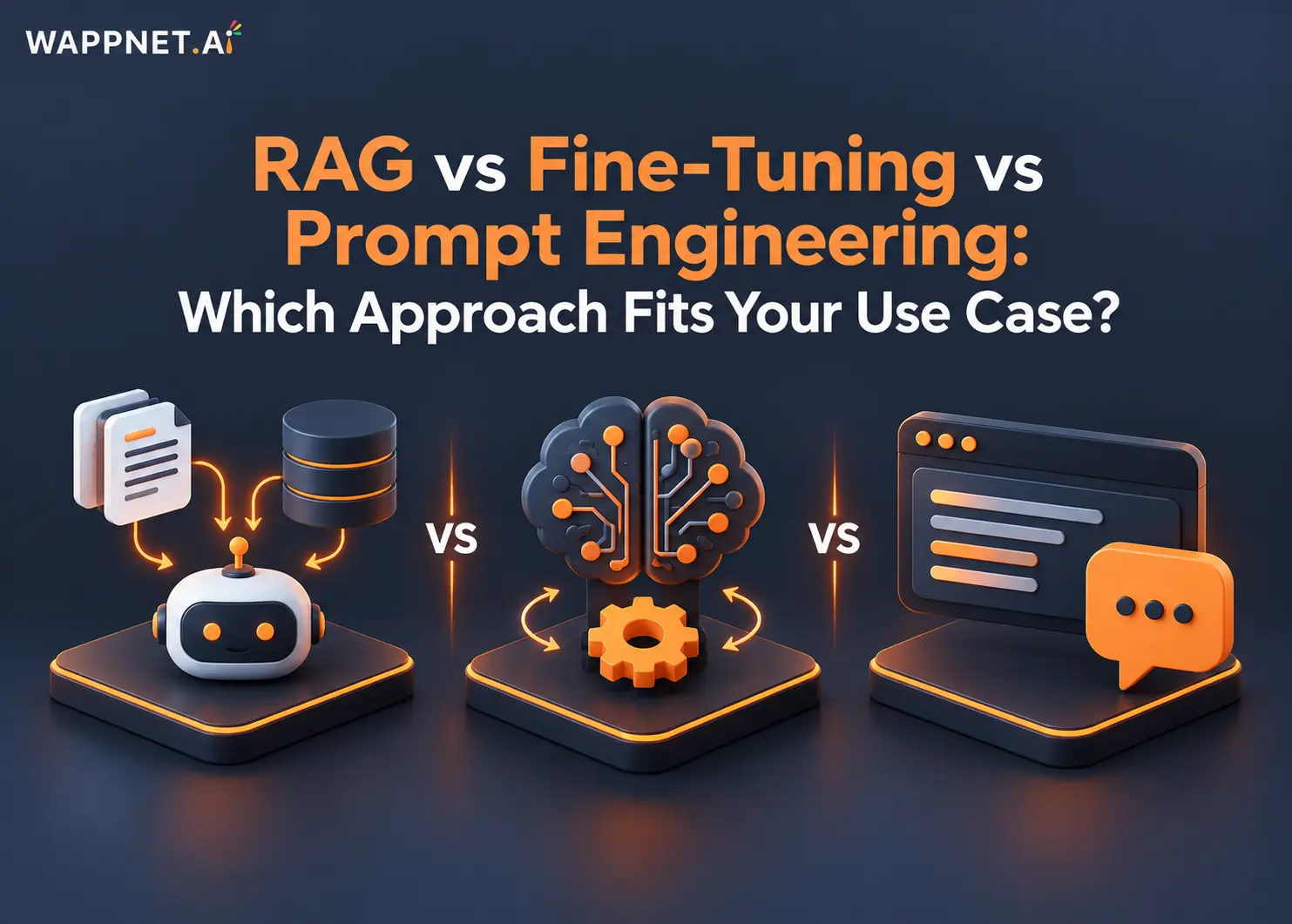 RAG
RAG vs Fine-Tuning vs Prompt Engineering: Which Approach Fits Your Use Case?
Compare RAG, fine-tuning, and prompt engineering to explore costs, use cases, and the best approach for enterprise AI.
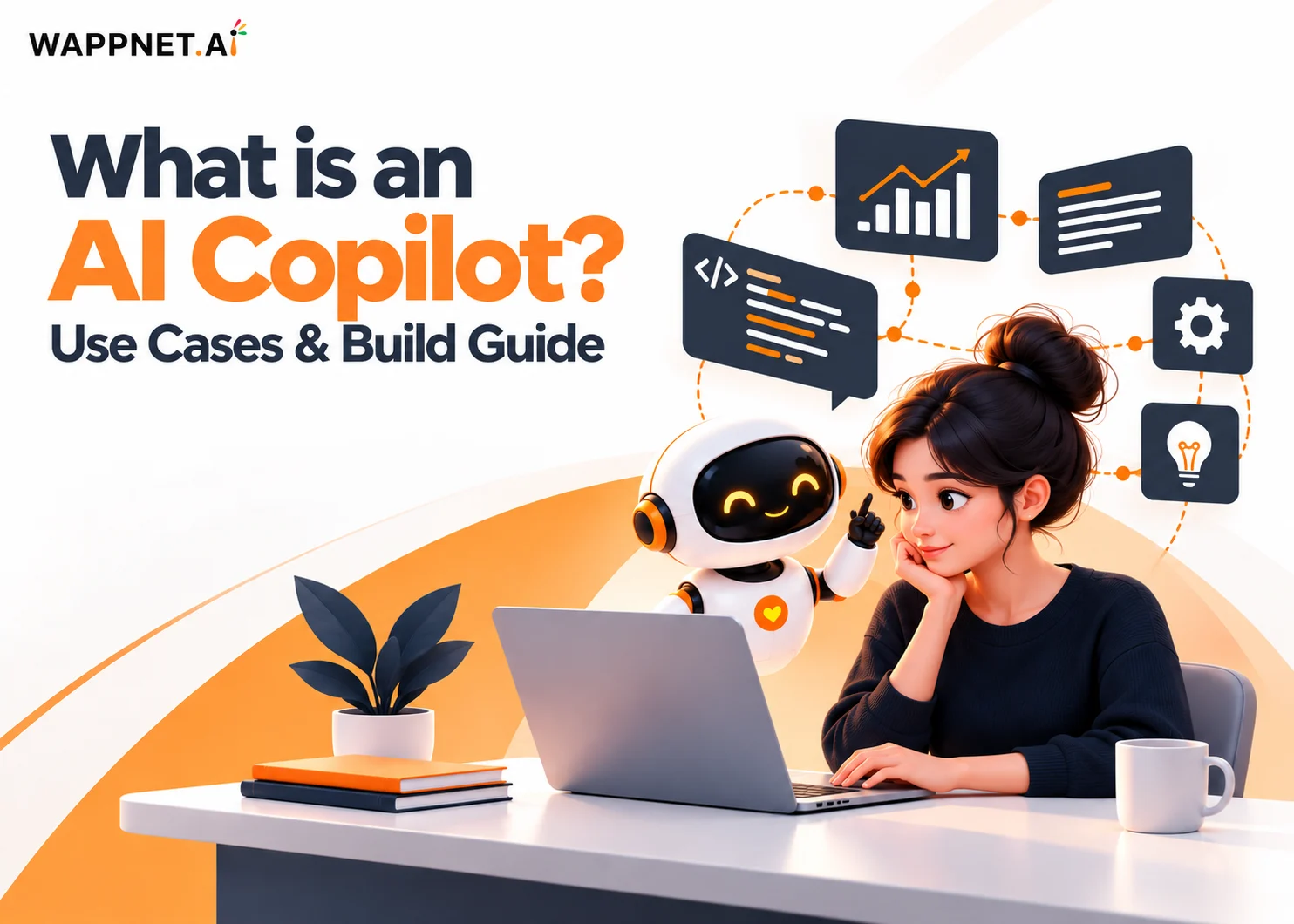 AI Copilot
What is an AI Copilot? Use Cases & Build Guide
What is an AI Copilot? Learn how it works, how it differs from AI agents, key use cases, and how to build one for your business.
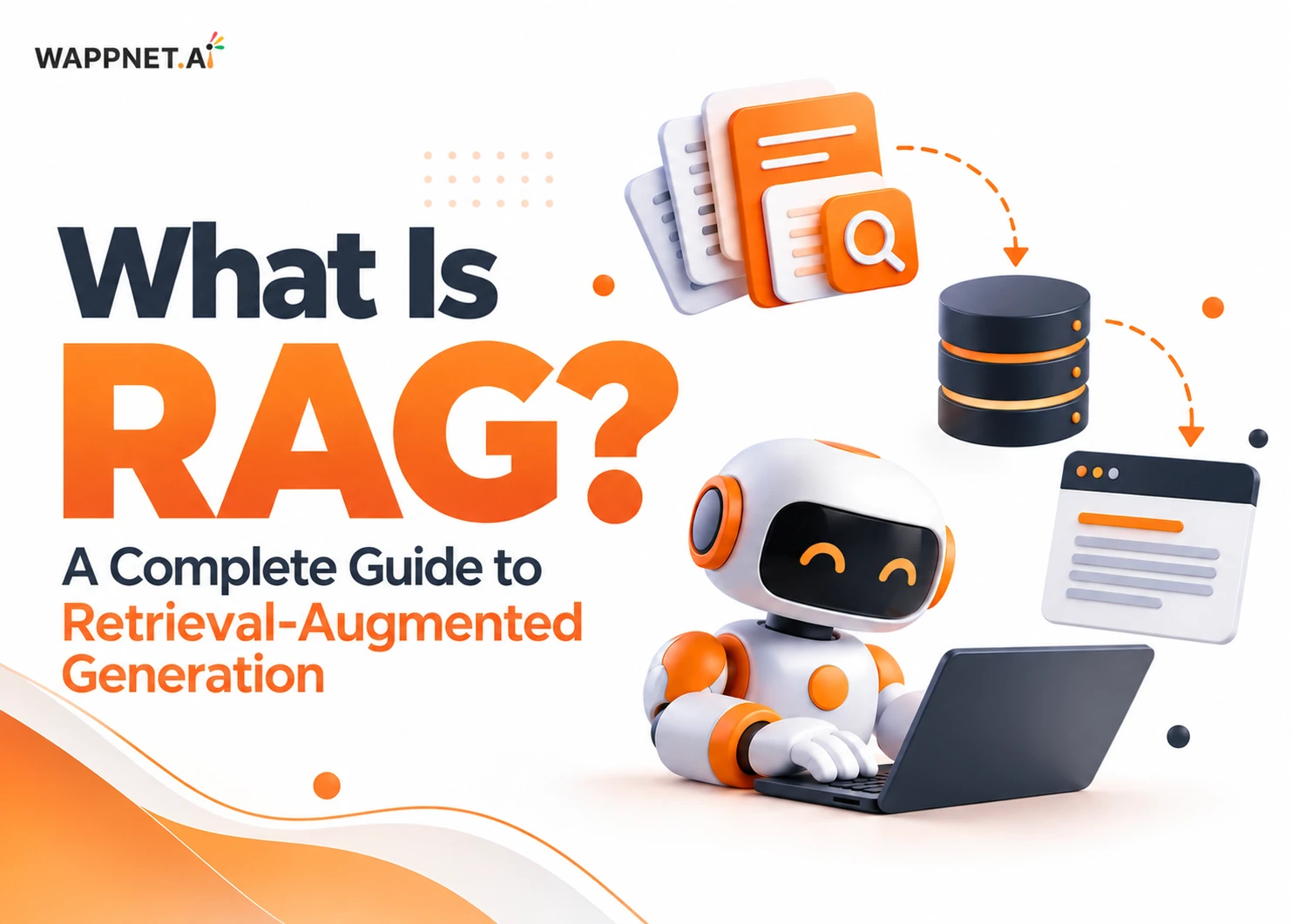 RAG
What Is RAG? A Complete Guide to Retrieval-Augmented Generation
Learn what RAG is, how Retrieval-Augmented Generation works, reduces AI hallucinations, and powers smarter enterprise AI.
Frequently Asked Questions
A custom MCP server is a service you build that exposes selected tools, data and prompts from your own systems to AI applications that support the Model Context Protocol. It sets what a client can see and do, and it usually calls your existing APIs or databases behind the scenes.
Custom MCP server development services cover designing, building, testing, deploying and maintaining MCP servers around your systems. They typically include requirements analysis, tool and resource design, integration with your APIs, authorization and permission design, compatibility testing with MCP clients, deployment and ongoing monitoring.
A client inside an AI application connects to the server, discovers the tools, resources and prompts it offers, and calls them when needed. The server checks the caller's permissions, validates the input, runs the action against your systems and returns a result for the AI application to use.
MCP is a protocol that lets AI clients discover and call capabilities in a standard way, while a REST API is an interface to one system’s data and functions. They work together: an MCP server often calls REST APIs internally. MCP does not replace them or your existing authentication.
An MCP server offers tools and data, while an AI agent is software that decides which tools to use to reach a goal. The agent runs inside or alongside an AI application that contains an MCP client. One server can serve several agents, and an agent can use several servers.
Tools are functions the AI model can call to perform actions or lookups. Resources are context and data a client can read, such as documents or records. Prompts are reusable, templated messages or workflows, typically chosen by the user. A server can offer any combination of the three.
Yes, in most cases. The server acts as a layer in front of your existing APIs, databases or SaaS platforms and calls them with its own credentials. How much it can do depends on what those systems expose, their documentation and rate limits, and your security rules, which we check during discovery.
Yes, for assistants and agents whose clients support MCP. The server can reach internal APIs, databases and a CRM or ERP, and expose only the approved parts. Client support varies, remote access may need network and identity setup, and sensitive actions should require approval.
Security comes from design, since MCP does not secure an integration by itself. Common measures include authentication and authorization, least-privilege scopes, input validation, careful secret handling, rate limits, logging and human approval for sensitive actions. Tool output and untrusted content should be treated cautiously, and testing continues after launch.
You need the server code, access to the systems it connects to, and a place to run it. A local server runs on a user’s machine, while a remote server is hosted and reached over HTTP. Production use also needs secrets management, authorization, logging, monitoring and a maintenance plan.
Cost depends on the number of tools, how many systems are integrated, the state of their APIs, authorization needs, security review, testing, deployment and ongoing maintenance. A small read-only server costs less than a multi-system server with write actions. We give an estimate after scoping so you can weigh it against the effort it saves.
It depends on the number of tools, the systems behind them, API quality, authorization design and testing needs. A small server with a few read-only tools is quicker than a multi-system rollout with approvals. We give a plan after discovery rather than a fixed number in advance.
Look for a partner who starts with your systems and access rules, explains when MCP is and is not the right fit, and is specific about authorization, testing and monitoring. Ask for relevant examples described accurately, which clients they test against and what maintenance continues after launch.